
Music makes Shorts better, and it is also the most common reason Shorts get muted or claimed. This is a plain-language overview of how to add music safely. It is general information, not legal advice.
What can go wrong
YouTube’s Content ID and Instagram’s audio matching compare your video’s sound with a database of songs. If they find a match, the rights owner can choose to block the video, mute the music, or take the ad revenue. It does not matter that you only used 10 seconds or that you credited the artist.
Safe sources of music
- YouTube Audio Library (in YouTube Studio): free tracks and sound effects you may use in YouTube videos. Some require attribution in the description; the library says which.
- The app’s own music (YouTube Shorts and Instagram Reels sound pickers): licensed for use inside that app, so add it in the app after uploading, not to the file.
- Royalty-free libraries with a clear licence that allows use on social media. Read the licence; “free to download” is not the same as “free to use.”
- Music you made, or a friend made and gave you permission to use.
Adding music in NineSixteenAI
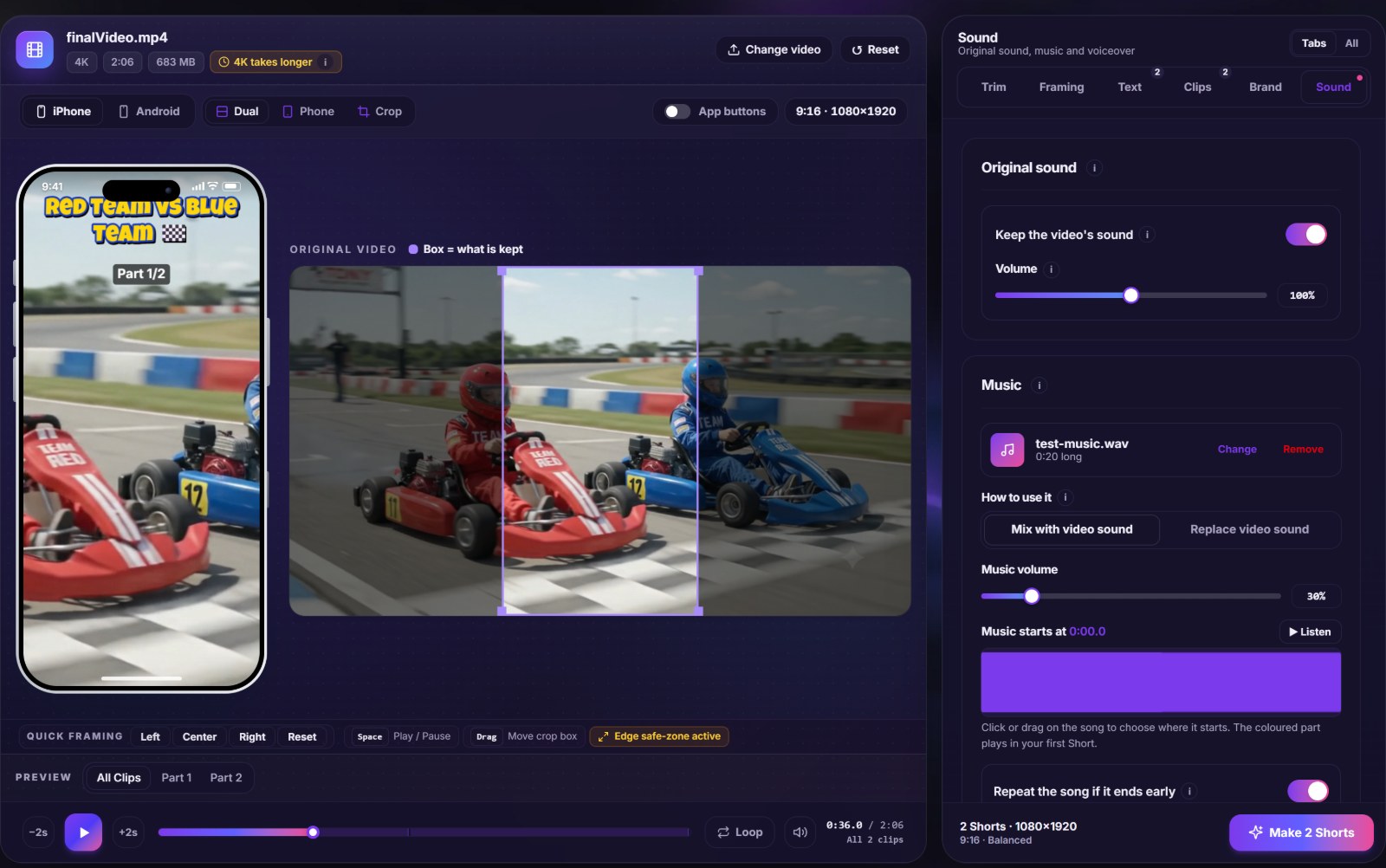
- Open the Sound tab and click Add music.
- Choose Mix to keep people’s voices, or Replace for music only.
- Pick the start of the song on the waveform. Many tracks have a slow intro worth skipping.
- Set the music volume. Under speech, 20–35% is a good starting point.
- Turn on Lower the music when people talk so voices stay clear.
When to add music in the app instead
If you want a trending song, add it with the app’s sound picker after uploading. That song is licensed for use inside the app, and the Short gets linked to the sound’s page. Export from NineSixteenAI with your original sound (or without sound) and add the music on your phone.
Quick checklist
- Do I have permission to use this track on social media?
- Does the licence require a credit? If so, add it to the description.
- Is the music quiet enough under voices?
- Does the music end cleanly (fade out) at the end of the Short?